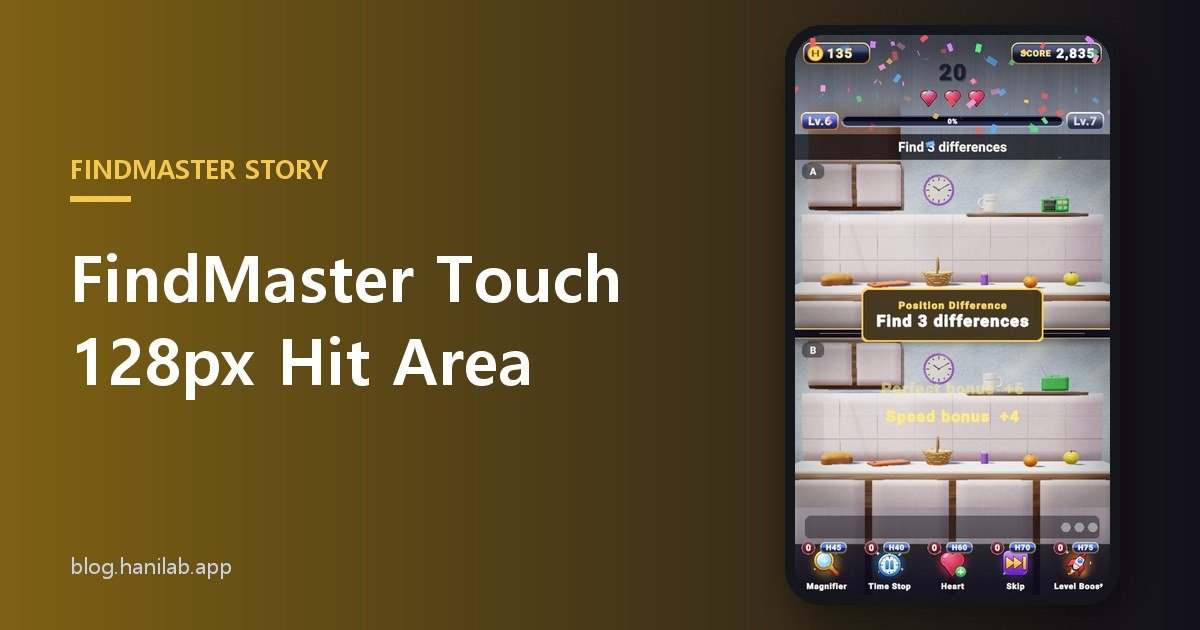


Four numbers show how forgiving FindMaster touch controls are. In a spot-the-difference game a small object is easy to find with your eyes but hard to hit with a fingertip, so the game makes the tappable area more generous than the object itself. Every value below was checked in the answer-judging source.
128px: from 5mm to 9mm
Taking the width of one picture as 1000px, the answer area is expanded to at least 128px. A source comment says it used to be 76px, which is about 5mm, smaller than a fingertip. It is now sized to roughly 9mm, like the spot-the-difference games on the market.
26px: next to the object counts too
Another 26px is added around the object’s rectangle on screen. So if you miss a small cup and tap the tabletop beside it, you still score as long as you are inside the area.
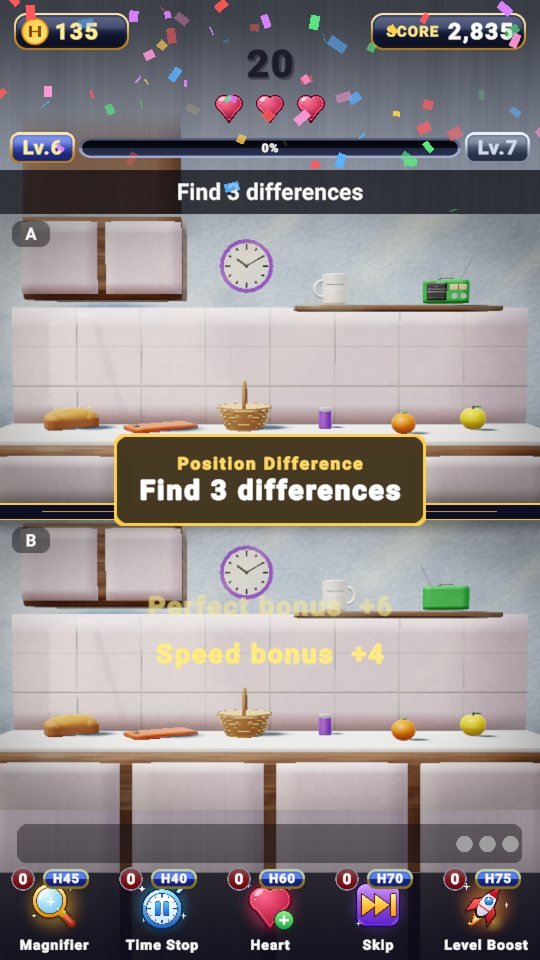 Position Difference, “Find 3 differences”: small objects stay tappable thanks to this area.
84px: two answers never overlap
Once areas are enlarged, two answers could overlap. So when a puzzle is built, the game checks that answer centers are at least 84px apart. One tap never catches two answers at once.
2% edge, occlusion, minimum size
- An answer candidate has to fit entirely inside the 2% margin of the picture, so an object cut off at a corner cannot be an answer.
- An object that is too covered by another object is not a candidate either. A source comment says spots like the floor behind a table are deliberately not created.
- Each object has a minimum on-screen size, and that threshold shrinks a little as difficulty rises.
0.45s: when the finger lands twice
A tap near the same spot (distance under 0.05 in picture coordinates) made again within 0.45 seconds is not counted as a wrong answer. It stops one slip from costing two hearts. Tapping an answer you already found is not a wrong answer either.
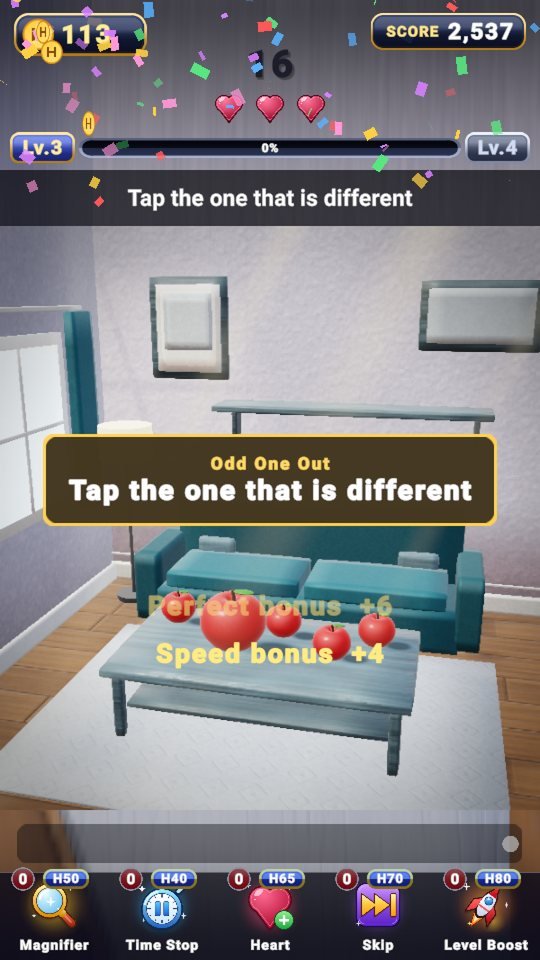 Odd One Out, “Tap the one that is different”: even among similar objects, such as these apples, the hit area follows the same rules.
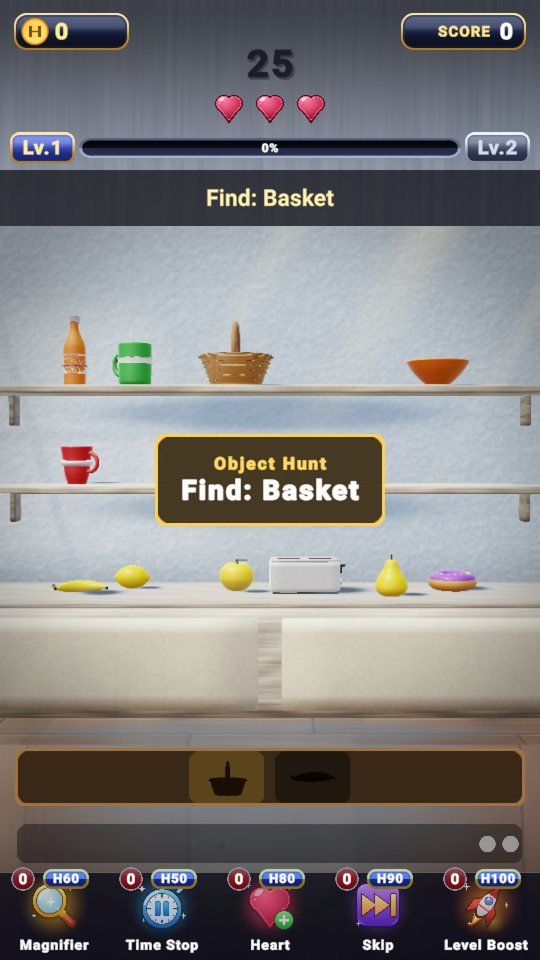 Object Hunt: “Find: Basket”, with silhouettes in the tray below.
The spot to tap is near the object, not only its exact center. Tap anywhere at random, though, and you lose a heart.
Play FindMaster now
Playing it is much faster than reading about it.
Find the other Master Series games all in one place at hanilab.app.

More from this game
 FindMaster Flashlight Hunt: Drag the Light, Lift to Choose
 No Unfair Puzzles: How the FindMaster Validator Works
 FindMaster Time Limit: How the Clock Gets 27 Seconds on Level 1
 “Tap the Biggest”: What If Two Are Close? FindMaster’s 18 Pick Rules Explained
🌌 Universe stories
 Roddy Universe, Part 2 — Fallen Down, Only One Step Back at the Roadside
 Roddy Universe, Part 1 — One Beat Before Crossing, the Empty Road Between the Cars
 Bombi Universe, Part 2 — Behind You: The Reaper That Walks Through Walls
Try other games
 FanMaster
 BurstMaster
 WingMaster