
BalanceMaster Weather and Special Modes — Rain, Snow, Lightning and 20 Modes, Measured

Level 11: the sky opens
and the board barely notices
From level 11, BalanceMaster weather kicks in. Rain falls, snow drifts down, lightning flashes, and nameless special modes darken the screen or shake the whole thing. It is easy to get scared — but when I switched each one on, one at a time, and measured what actually changes on the board, a lot of it did not match what the source says it does. This post lists only measured values, and where nothing changed, it says nothing changed.

The full rules are in the complete guide, the hidden animal masses in the animal-mass post, the balance-point formula in the lever-physics post, and jumps and surprise drops in the surprise-events post. This time it is the part that does not overlap with those: three kinds of weather plus lightning, 20 special modes, and day versus night.
Every round was opened at level 12 (plank width 90%, 14-second goal). Random weather, special modes, jumps and drops were removed, and the capture rig fired the game’s own events to switch things on. The finger is not a person but a virtual touch. The fulcrum position was read every frame, and the pairs were Baby Cat 0.3 / Baby Puppy 0.6 (sum 0.9) or Baby Lion 2.5 / Baby Tiger 2.0 (sum 4.5). Each condition was measured once or twice, so the digits after the decimal point wobble. Only lightning was repeated 40 times under the same conditions.
When does weather come, and how often?
Levels 1–10 are always clear. From level 11, the game rolls the weather at the start of every round and picks from rain, snow and wind. The per-range probabilities are written in the source, and from them I calculated the chance that each weather shows up in a round:
| Level | Chance of weather | Types | Intensity | Chance each of rain / snow / wind appears | Lightning chance (per round) |
|---|---|---|---|---|---|
| 11–20 | 30% | One | 1–2 | 10% | 3% |
| 21–30 | 50% | One | 2–3 | 17% | 5% |
| 31–45 | 65% | One (60%) · two (40%) | 2–4 | 30% | 9% |
| 46–60 | 75% | Two | 3–6 | 50% | 15% |
| 61–80 | 83% | Two · three (half each) | 4–7 | 69% | 21% |
| 81–100 | 88% | Two (30%) · three (70%) | 5–8 | 79% | 24% |
| 101–130 | 93% | All three | 6–9 | 93% | 28% |
| 131–160 | 97% | All three | 7–9 | 97% | 29% |
| 161–200 | 100% | All three | 8–10 | 100% | 30% |
| 201+ | 100% | Two (20%) · three (80%) | 7–10 | 93% | 28% |
* Calculated from the per-range probability table in the source (not measured on the rig). When there are two or three types, each type rolls its own intensity. Lightning is 30% and only in rounds that have rain.
The timetable inside one round
- 0–1 s: the round starts and rain and snow begin within this window (a scene value; the code default is 1–2 s, but the scene overrides it).
- Wind starts 2.5 s later, and a direction arrow shows up 0.6 s before it. Over the next 2 seconds the intensity climbs from 0 to its maximum in 8 steps.
- Whether you clear the round or lose, the weather disappears at once. There is no explanatory text — the rain, snow and wind on screen are all there is.
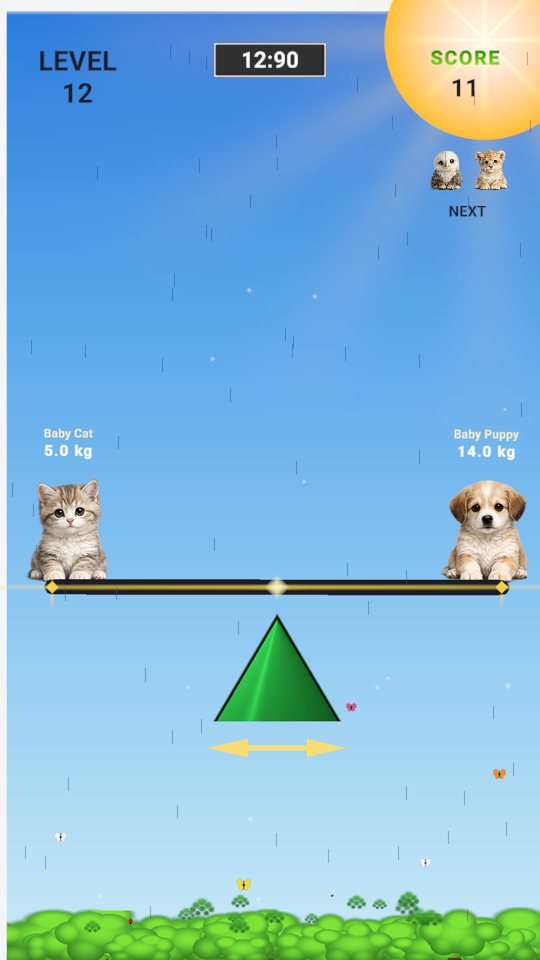

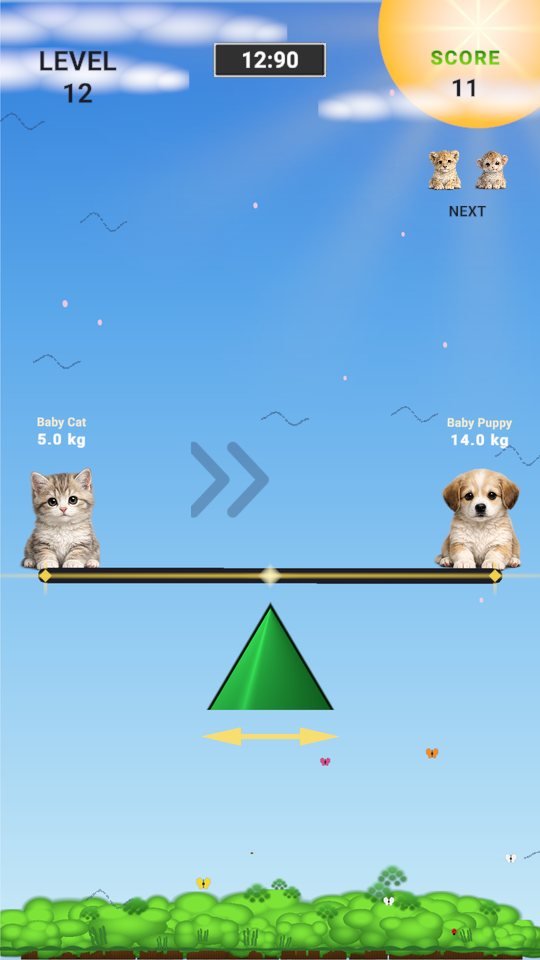
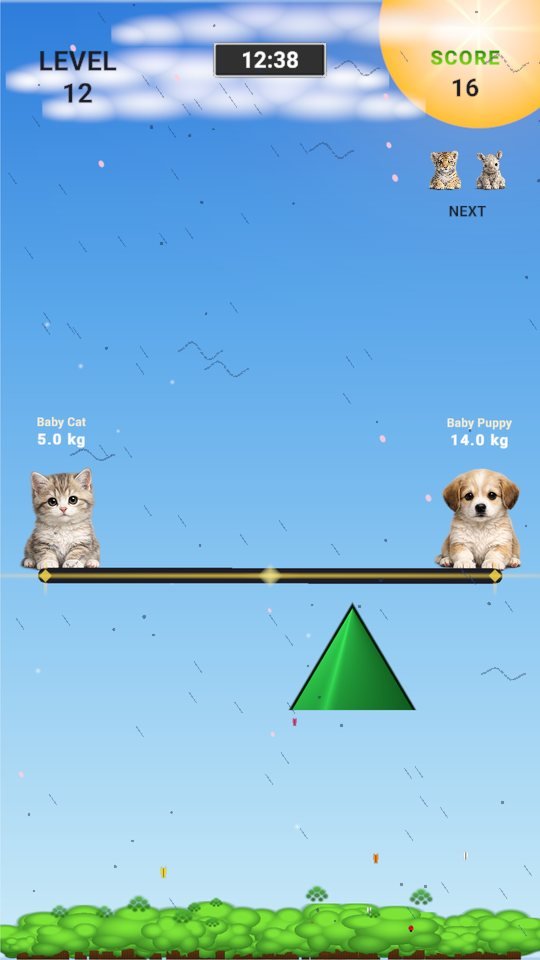
The screen gets pretty cluttered. So does all that clutter change the physics of the board? Following the source, the only place weather actually touches the board is the fulcrum (triangle) controller. The rest — wind torque, friction, wind force on the animals — exists but has no effect. I switched them on one by one.
Rain — it bumps your finger? Only when your hand is off
The code says: when it rains, the fulcrum’s target position jumps at random. At intensity s, each jump is ±(s ÷ 10 × 0.12), with an interval of about 1.1 s at intensity 1 and about 0.3 s at intensity 10 (±30%). True — but that “jump” touches the target. While a finger is on the screen, the finger position overwrites the target again in the same frame. The bumped value never gets a chance to reach the fulcrum.
| Condition (Baby Cat / Baby Puppy, 5 s) | Rain intensity | Times the fulcrum target jumped | Largest single jump (normalized) | Reading |
|---|---|---|---|---|
| Finger down | 0 | 1 | 0.310 | Only the moment the triangle is first grabbed |
| 5 | 1 | 0.310 | Same — rain does nothing | |
| 10 (measured twice) | 1 · 1 | 0.310 | Same | |
| Finger lifted | 0 | 0 | — | Stays still |
| 3 | 4 | 0.023 | Within the ±0.036 limit | |
| 6 | 8 | 0.066 | Within the ±0.072 limit | |
| 10 (measured twice) | 15 · 15 | 0.116 · 0.118 | Almost touches the ±0.12 limit, 0.33 s apart |
* Measured on the rig. The one jump under “finger down” is the virtual finger first grabbing the triangle, which sends the fulcrum to the balance point (0.31). Normalized 1 is half the plank width, and on the 540 px screen at level 12, 0.12 is about 27 px.
- Rain’s slipping happens exactly as the source describes. At intensity 10 it jumped 15 times in 5 seconds, and the size stayed within ±0.12 (largest 0.118).
- But while a hand was on the screen, it was never applied even once. Even at intensity 10 the target changed only once, at the first grab. That is because the code order is “apply slip → overwrite with finger position → move the fulcrum.”
- So rain moves the fulcrum only when your thumb is off the screen. In a round with the hand lifted, the fulcrum wandered about 1.0 (half-plank units) in total over 5 seconds at intensity 10, and the moment you grab the triangle again, that movement is erased.
- The tilt in the lifted-hand rounds averaged 4.4° and 6.4° (rain 10) versus 4.9° (no rain), so rain’s share could not be separated out — the fulcrum not being at the balance point was a far bigger cause.
Snow — it says ×1.45, but it is one frame
Snow raises the speed at which the fulcrum follows your finger to 1 + intensity × 0.045 times. At intensity 10 that is ×1.45 (45 → about 65). It sounds like “the triangle gets slippery.” To measure it I built a teleporting hand that jumps the fulcrum from −0.8 to +0.8 — 1.6 in one go, the harshest case. One frame is 16.7 ms.
| After the hand crossed | No snow | Snow intensity 10 (measured twice) |
|---|---|---|
| After 1 frame | 53% | 66% · 67% |
| After 2 frames | 78% | 89% · 89% |
| After 3 frames | 89% | 96% · 96% |
| After 4 frames | 95% | 99% · 99% |
* Measured on the rig (each cell is how far along the −0.8 → +0.8 move the fulcrum had come). It matches the formulas 1 − e^(−45·dt) = 52.8% and 1 − e^(−65.3·dt) = 66.3%.
- Reaching 95% takes 4 frames (67 ms) → 3 frames (50 ms). The most snow can speed things up is one frame, about 17 ms.
- And only at intensity 10. In the levels where snow actually comes, the intensity is ×1.05–1.09 for levels 11–20 and only ×1.09–1.18 for levels 31–45. It is nothing next to human reaction time (0.2–0.3 s).
- So snow makes no difference you can feel. The fulcrum arrives under your finger at almost the same instant.
Wind and lightning — eye-catching, no physics
Wind — it does apply torque to the plank, but
The source says wind applies torque to the plank, and it really does. At intensity 10, the maximum torque read on the rig was 0.1500 (0.1486 for a left wind). The problem is what you compare it to. A plank doing nothing in this game always has an automatic sway torque of about ±30 on it (roughly ±3°/s). Wind is 0.5% of that, and divided by the damping of 10 the terminal speed is 0.015°/s — even blowing for a full 6 seconds, that is 0.09°.
| Same pair (Baby Lion / Baby Tiger), hand fixed at the balance point, 6 s | Mean |tilt| | Max |tilt| | Max torque |
|---|---|---|---|
| No wind (twice) | 2.67° · 2.53° | 4.81° · 4.74° | 0 |
| Wind 10 → (twice) | 2.68° · 2.92° | 4.86° · 4.88° | 0.150 |
| Wind 10 ← | 2.52° | 4.71° | 0.149 |
The difference between rounds with and without wind was buried inside the error between two runs of the same condition (±0.15° on the mean). Wind is only what you see (the rolling lines, the direction arrow). Even past level 100, where rain, snow and wind all come, there is nothing extra to do about wind.
Lightning — 12 strikes in 40 rolls
In rounds with rain, lightning strikes only once, 1–2 seconds after the rain starts, with a 30% chance (scene values; the code defaults are 3–7 s and 12%). I made it rain 40 times and rolled the natural odds as they are.
- It struck 12 times (30%). That is exactly the 30% in the source.
- The strikes came 1.24–2.00 s after the rain started (mostly 1.4–1.9 s) and lasted 0.82 s each.
- The effect is two flashes — the first soft (alpha 0.55), a short darkness, then a brighter one (0.9). The bolt spans 94% of the screen height and is 35.4 px thick (scene values).
- The flash is an image that does not block touches, and no code connects it to physics or score. Getting startled is all it does.
- A lightning sound effect plays with it.
20 special modes — 11 you can see, 9 that do nothing
From level 11, special modes are rolled separately from weather. The chance is 20% for levels 11–50, 30% for 51–100, 40% for 101–200 and 70% for 201+ (−15% / −30% after losing streaks, +15% at 8 straight wins). When one hits, one of the 20 is picked with equal probability. The game never tells you which.
I switched on all 20 one at a time and watched each for 5 seconds in the same round (Baby Lion / Baby Tiger, a hand that follows). The baseline is the no-mode round measured twice — fulcrum frame-to-frame jitter (RMS) 0.0045 · 0.0048, mean tilt 0.30° · 0.31°, max 0.59°.
① The 11 you can see
| Mode | Value in the source | What you see on screen | Measured (vs. baseline) |
|---|---|---|---|
| ScreenShake | Camera ±0.12 units, until the round ends | The whole screen shakes | Fulcrum jitter RMS 0.039 (8× baseline), target jumped 214 times in 5 s |
| EarthQuake | Camera ±0.38, fading to 15% over 4 s | Shakes hard, then settles | RMS 0.036, target change up to 0.295 per frame |
| DarkMode | Black overlay alpha 0.85 (0.5 s fade) | Gets dark (timer and score stay bright) | Same as baseline |
| NarrowVision | Black overlay alpha 0.65 | Gets dark — despite the name, there is no hole in the view | Same as baseline |
| FogVignette | Black overlay alpha 0.33 (0.7 s) | Slightly hazy | Same as baseline |
| FlashBlind | White overlay 0.93 → gone over 0.85 s (once) | The screen flashes white | Same as baseline |
| CameraZoom | Camera size ×0.62 (0.8 s zoom-in, stays) | Animals at both ends leave the screen | Same as baseline (as long as the hand follows the triangle) |
| CameraWobble | Camera ±2.8° at 1.3 Hz | The whole screen rocks left and right | Same as baseline |
| GhostBall | First animal alpha 0.22 (2.0 s) | The left animal (Baby Cat) turns transparent | Same as baseline |
| SlowMotion | timeScale 0.5 for 3.5 s of real time | Everything slows down | 0.5× lasted 3.48 s (rig-confirmed); the game clock advanced only 1.75 s in that time |
| SpeedBurst | timeScale 1.65 for 2.5 s of real time | Everything speeds up | 1.65× lasted 2.52 s, max tilt 0.88° (baseline 0.59°) |
* Measured on the rig. Mean tilt stayed at 0.29–0.33° in every mode (SlowMotion was 0.13° because the game clock is slow). The rig’s hand follows the visible triangle every frame, so the fulcrum target only shakes when the screen shake is random (ScreenShake · EarthQuake).


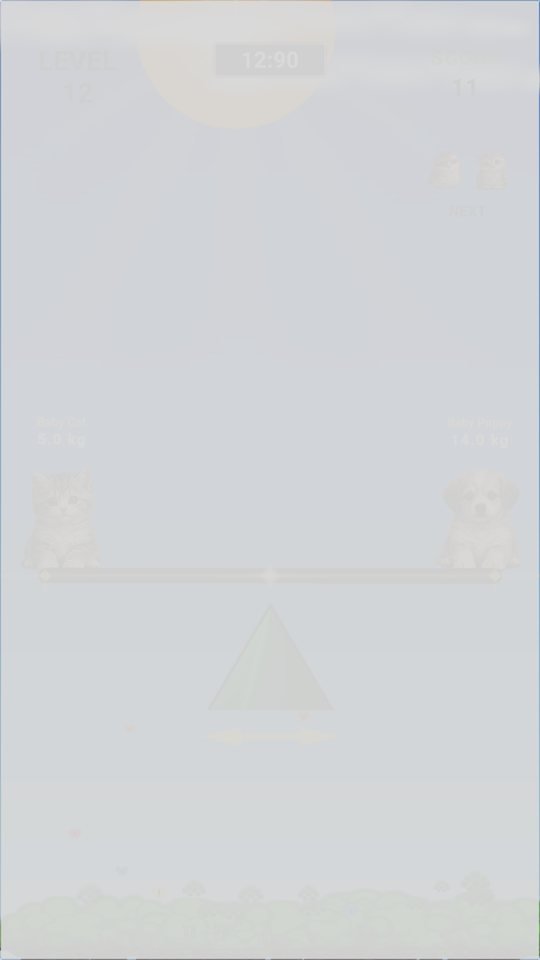


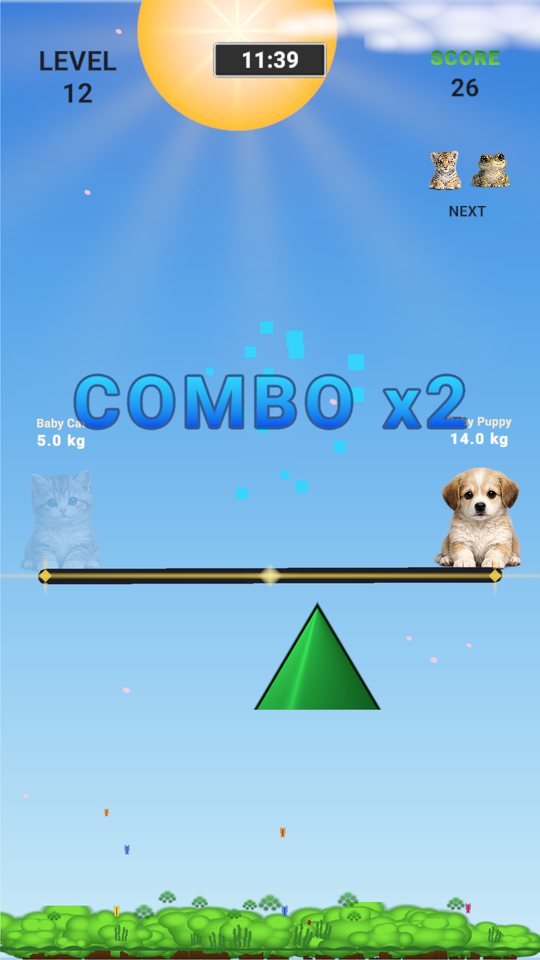
The real annoyance of the zoom-in

CameraZoom pulls the camera in to ×0.62. The half-width of the view goes from 2.81 to 1.74 units, but the animals sit close to the plank ends (±2.18). So both animals and their name and kg labels go off screen.
- The balance point and the tilt are unchanged. You just cannot see them.
- Memorize the pair you saw before the zoom, or read which way the plank is tilting and move the fulcrum.
- By calculation, for a pair whose balance point is beyond 0.74 of the half-width (for example Sparrow / Baby Hippo, 0.86), the balance point lies outside the screen area your finger can reach (not confirmed on the rig).
② The 9 that showed no change when filmed
For the other nine, with the mode on, neither the screen nor the tilt could be told apart from baseline. The reason is that when the game became “a game where you drag the fulcrum,” the input and physics of the old rules were cut off.
| Mode | What the source tries to do | Why nothing happens | Measured |
|---|---|---|---|
| DisappearPlatform | Plank alpha 0.05 (1.2 s) | The plank is a LineRenderer, so there is no SpriteRenderer for the fade code to fetch | RMS 0.0049, mean 0.33° |
| GhostPlatform | Plank alpha 0.28 (1.8 s) | Same as above | Same as baseline screen and tilt* |
| MirrorFlip | Camera X scale −1 (left-right flip) | The scale does become −1, but it is not reflected in the camera projection | RMS 0.0046, mean 0.28° |
| InvertControl | Inverted controls | What it inverts is the direct plank-tilt input, and in fulcrum mode that input is switched off | RMS 0.0049, mean 0.33° |
| GravityShift · GravityPulse · GravityReverse | Change Physics2D gravity | The animals are stuck to the plank and the physics simulation is off | Mean 0.29° · 0.30° · 0.31° |
| Tumble · WindGust | Rotation and wind impulses on the animals | The simulation is off, and positions are reset every frame | Mean 0.33° · 0.29° |
* Measured on the rig (once per condition). * GhostPlatform produced fewer frames in that round (143 samples) so the mean came out slightly higher at 0.38° with a max of 0.65°, but the look did not change. This check is based on a build baked for Windows.
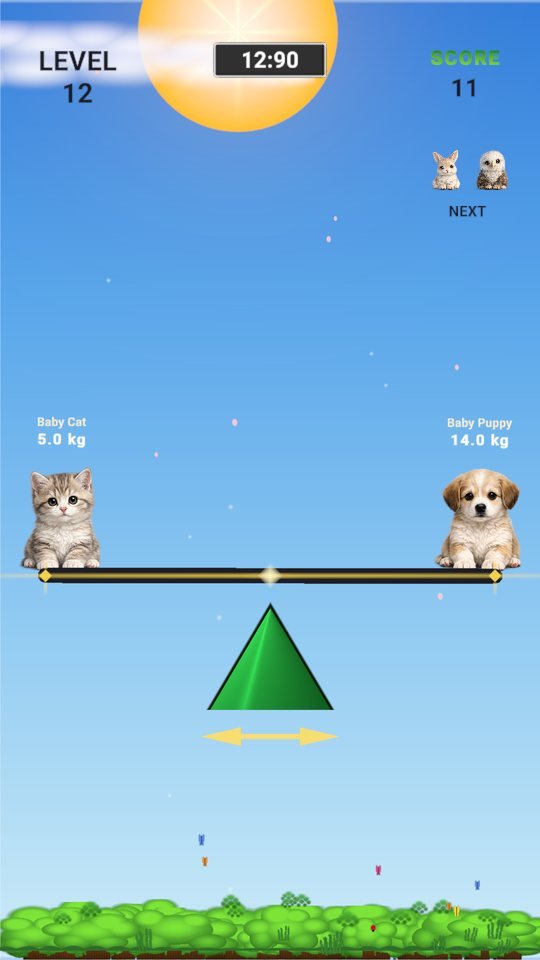

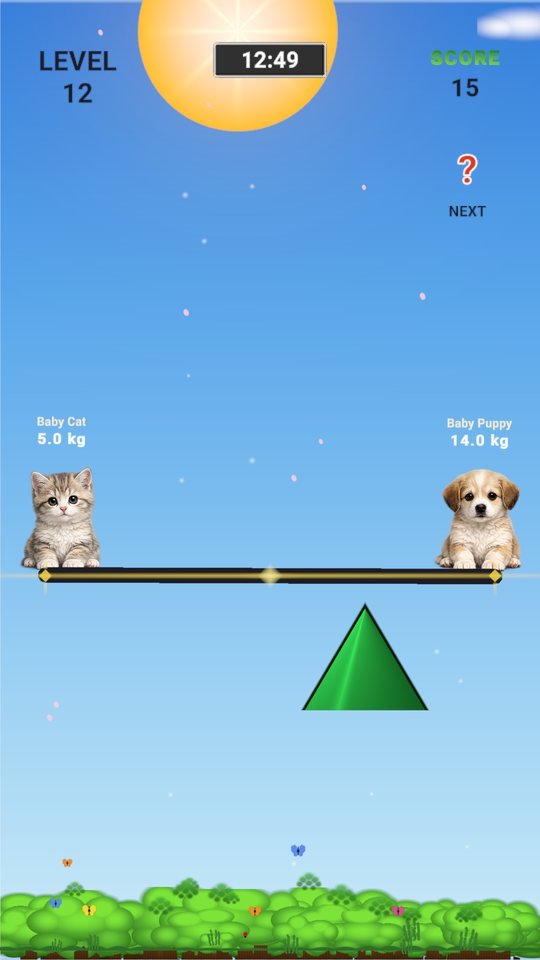
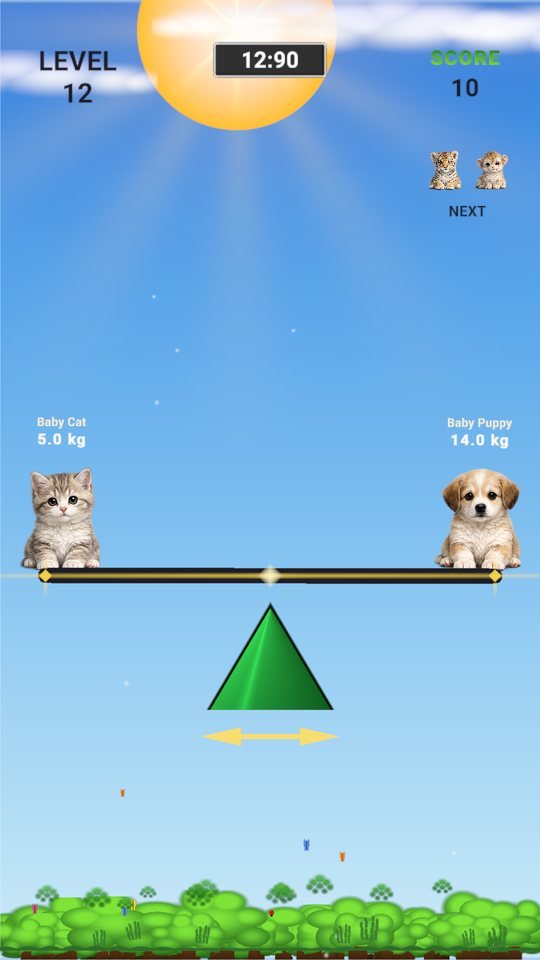

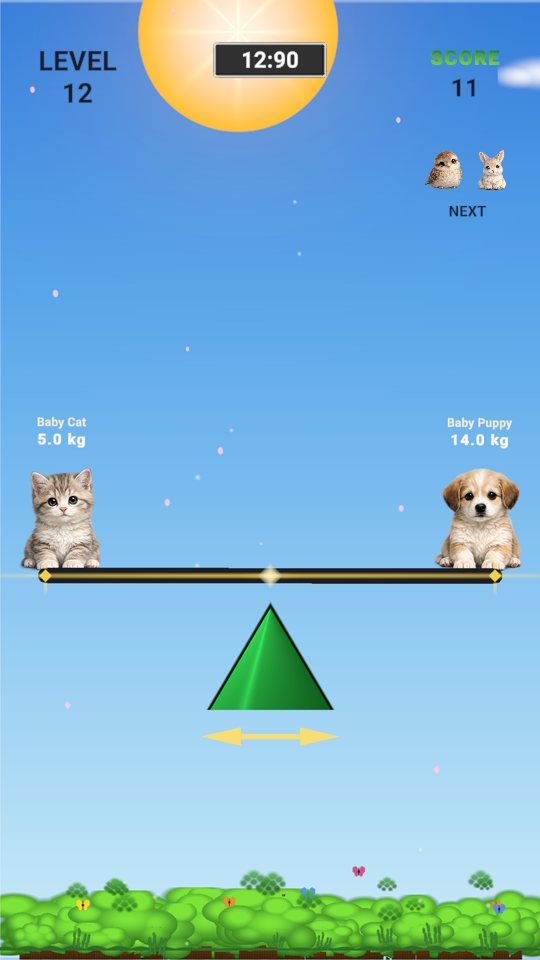
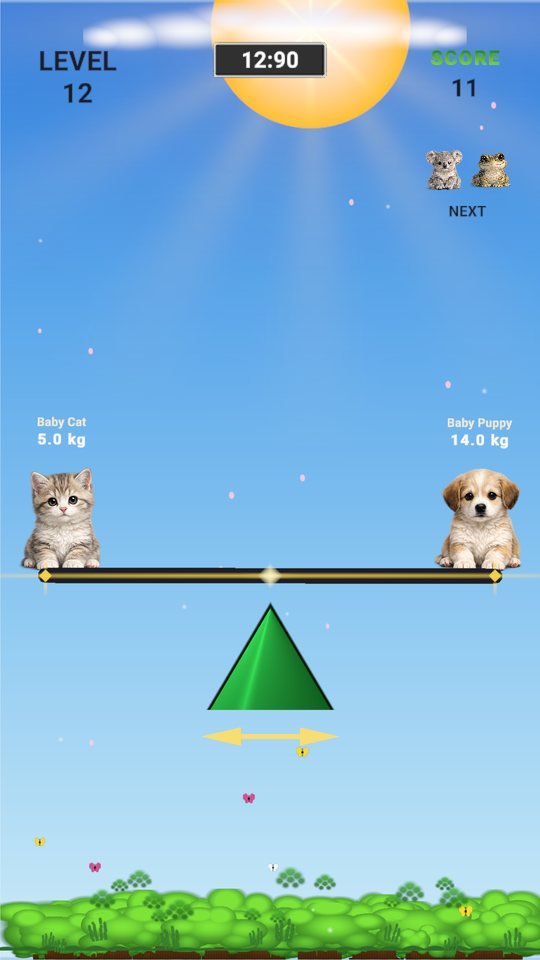
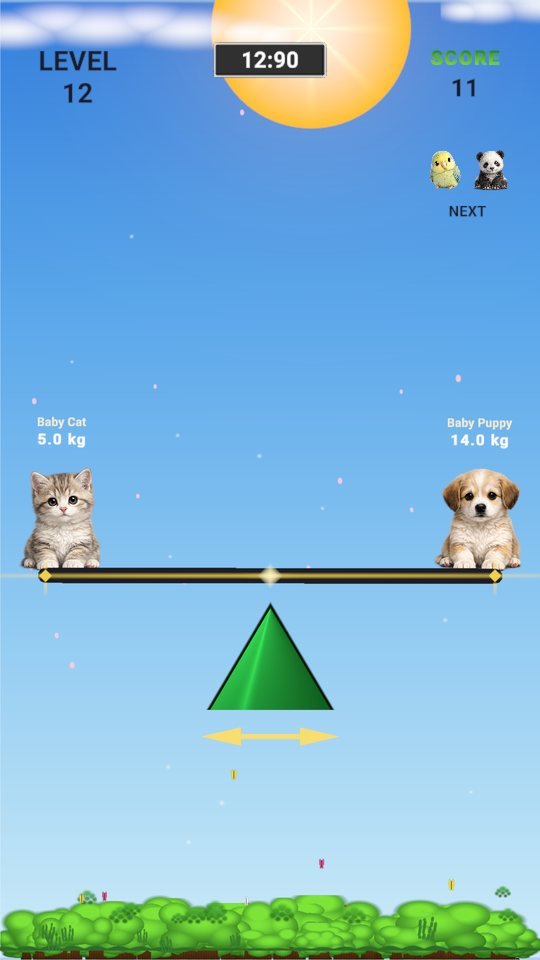


In terms of odds: for levels 11–50 a special mode appears in 20% of rounds, and of those 9/20 = 45% are modes that do nothing. So out of 100 rounds at levels 11–50, on average 11 get a noticeable mode and 9 get a mode that might as well not be there. At level 201+ (70%), out of 100 rounds about 39 get a noticeable mode and about 32 get an empty one.
SlowMotion runs time at 0.5× for 3.5 seconds, so at the same reaction speed you get twice the room on the game clock (the rig saw 0.5× last 3.48 s). SpeedBurst runs 1.65× for 2.5 seconds, which cuts your reaction margin to 61%. Both are measured in real time, so the moment the duration ends, the speed snaps back.
Day and night — the Dark Mode setting is the night sky
The sky splits on Settings → Dark Mode. The default is day (light theme), and turning Dark Mode on gives you night. For both, the code re-picks the decorations every round (for night, only 6–7 from the new effect pool at random).
| Sky decorations | |
|---|---|
| Day | Sky gradient · sun (glow, corona, rays) · clouds · forest · swaying leaves · sparrows · butterflies · dandelion seeds · hot-air balloon · dragonflies · meadow · rainbow |
| Night | Stars · moon (halo) · night clouds · forest · birds · mountain range · aurora · fireflies · mist · owl (eyes) · bats · meteors · cabin light · wolf eyes |
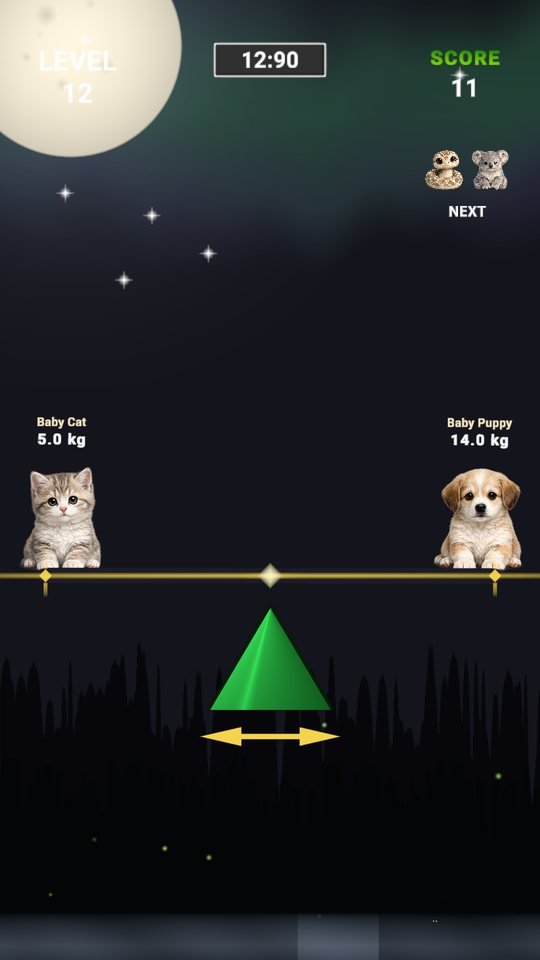

- The comment at the top of the code does not match reality. The comment in the night-scene file says “Dark Mode + no weather,” but the night sky stays even when there is weather. The third photo above is the night sky with a lightning bolt, which only comes in rain rounds.
- Both day and night are decoration unrelated to physics. At night, though, the triangle and plank colors differ, which may change how it feels to read the tilt by eye.
A pro’s call — what to care about and what to drop
| Sky element | What actually changes | What to do |
|---|---|---|
| Rain | The fulcrum target jumps only while your hand is off (at intensity 10, up to ±0.12 every 0.3 s) | Keep your thumb on the screen |
| Snow | The fulcrum follows your hand up to ×1.45 faster = one frame | Ignore it |
| Wind | Nothing (torque 0.15, 0.015°/s). The arrow is eye candy | Ignore it |
| Lightning | Nothing (a 0.8 s flash plus sound) | Don’t get startled |
| ScreenShake · EarthQuake | The screen shakes, so the relative position of your hand and the triangle wobbles | Rest your hand on the triangle and don’t follow it with your eyes |
| CameraZoom | Animals and names go off screen | Remember the pair · judge by the tilt direction |
| CameraWobble | The whole screen tilts ±2.8° (limit ±4°) | “Level” against the screen edge may not actually be level — watch which way and how fast the plank moves |
| SlowMotion · SpeedBurst | Reaction margin ×2 / ×0.61 | Have your hand up before a SpeedBurst |
| The other view modes and the nine empty modes | Screen brightness only / nothing | Ignore them |
- Don’t lift your hand when it rains. Rain only touches the fulcrum while your hand is off. It is erased the moment you grab it again, but the tilt opens up in between.
- Stop worrying about snow, wind and lightning. Snow is 17 ms, wind is 0.015°/s, and lightning is a picture.
- When the screen shakes (ScreenShake · EarthQuake), don’t try to catch the trembling triangle. Keep your thumb near the balance point and watch only which way the tilt is going. The fulcrum’s jitter grows to as much as 8× the baseline.
- When the view zooms in and the animals vanish (CameraZoom), recall the pair from just before and head toward the balance point. The plank’s tilt still reads normally.
- When time speeds up (SpeedBurst), you only have to last 2.5 seconds before it returns. Don’t swing wide; make small corrections.
In one line — most of the commotion in the sky is commotion on the screen, and only two things really move the board: “is your hand down?” and “is the screen shaking?” Next up is the economics of the four items and the score.
Even in the rain, just keep your hand down.
The sky is loud, and the board is quiet.

Play BalanceMaster now
Playing it is much faster than reading about it.
Find the other Master Series games all in one place at hanilab.app.
More from this game
 “Caster, the triangle is on the move!” Reading one BalanceMaster round as a broadcast script
 BalanceMaster Game Over: 7 Ways You Lose When the Animals Never Fall
 BalanceMaster Level 1 vs Level 500: Is It the Same Game? Timer 15 s to 8.5 s, Plank 90% to 52%
 BalanceMaster Surprise Events: Jumps, Sky Drops and NICE SAVE!, Measured in One Second
🌌 Universe stories
 Roddy Universe, Part 2 — Fallen Down, Only One Step Back at the Roadside
 Roddy Universe, Part 1 — One Beat Before Crossing, the Empty Road Between the Cars
 Bombi Universe, Part 2 — Behind You: The Reaper That Walks Through Walls
Try other games
 FlipMaster
 FindMaster
 LottoMaster